macOS
Your dashboard and vault stay on your Mac.
Open source · AGPLv3
Notes, tasks, and projects in one private Markdown vault. AI is optional. Your files stay yours.
Install from the terminal
git clone https://github.com/paulgdl9/nervabrain.git
cd nervabrain
./scripts/init-env.sh
docker compose up -d --build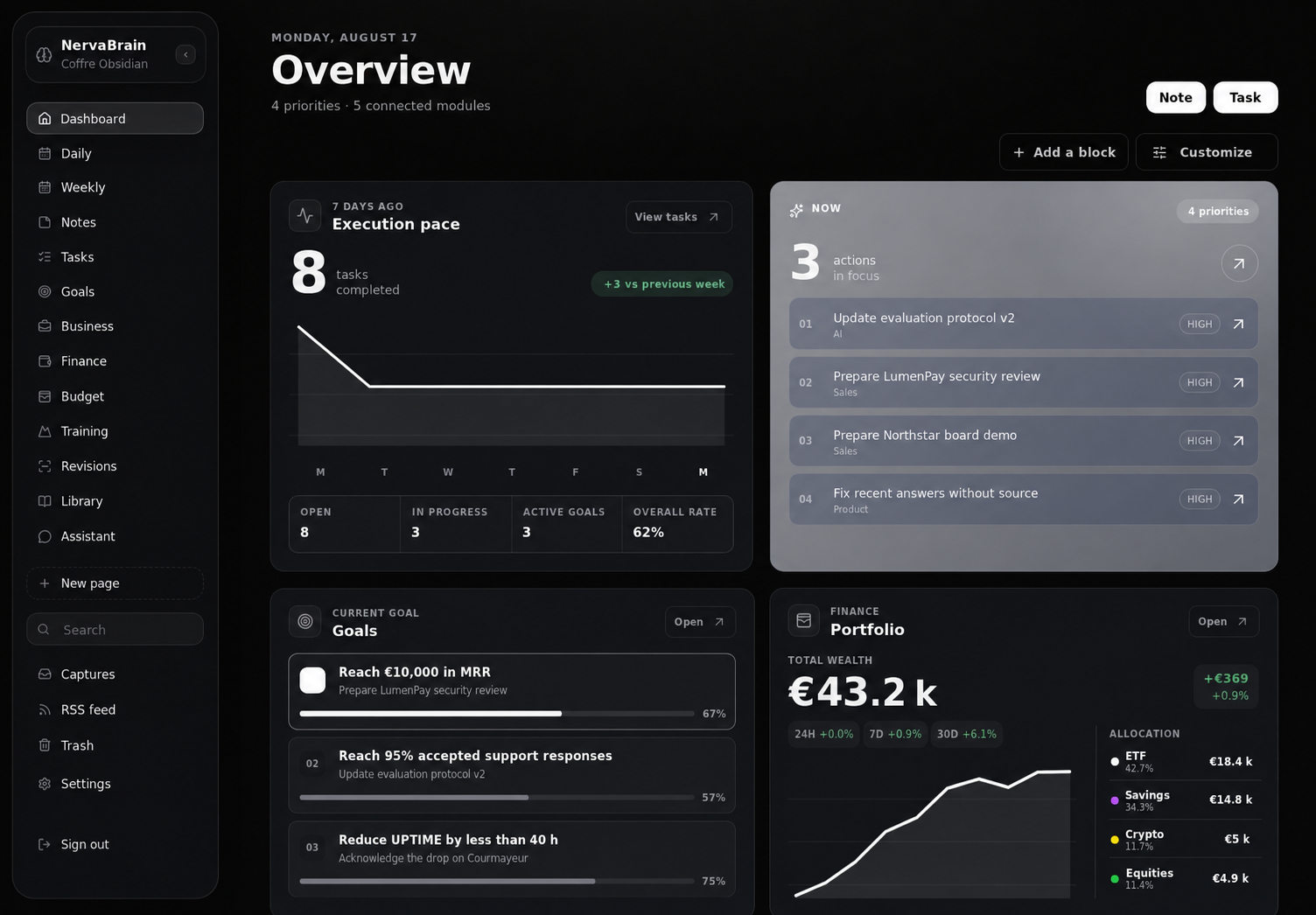
One NervaBrain
Your dashboard and vault stay on your Mac.
A local setup that is easy to read and back up.
A mini PC, Raspberry Pi, or VPS for persistent access.
Open by design
The vault remains a Markdown folder. If NervaBrain disappears tomorrow, your notes, projects, and history stay readable in the tools you already use.
Start simply
Docker, a vault, and a few minutes are enough for your first space.
View installation